



How to Check Your NSSF Number on WhatsApp
If you want to check NSSF number on WhatsApp without visiting a branch or waiting on hold, NSSF runs its own official WhatsApp chatbot for exactly this. Most people have never heard of it. Here’s the full process, screen by screen, using NSSF’s real WhatsApp number.
Save NSSF’s official WhatsApp number, 0704 303 303, message “Hi” to start the chat, select option 5 (Check NSSF No) from the welcome menu, enter your National ID number when prompted, and the chatbot sends back your NSSF number.
- Save 0704 303 303 as a contact
- Open WhatsApp and message “Hi” to that number
- Read the Welcome to NSSF WhatsApp Service menu
- Reply with option 5, Check NSSF No
- Enter your National ID number
- Receive your NSSF number instantly
This is NSSF’s own free service. The NSSF WhatsApp bot (0704 303 303) is an official channel, not a third-party tool. Standard WhatsApp data charges from your network may apply, but NSSF itself does not charge anything for this lookup.
Save the Official NSSF WhatsApp Number
NSSF runs its member self-service chatbot on a single official WhatsApp number: 0704 303 303. Save it to your phone contacts first, since WhatsApp needs it saved to open a chat with it directly.
NSSF’s official WhatsApp service number: 0704 303 303.
- Save 0704 303 303 as a new contact, e.g. “NSSF WhatsApp”
- Open WhatsApp on your phone
Send a Message to Start the Chat
Open a chat with the saved NSSF contact and send a simple message to wake up the chatbot.
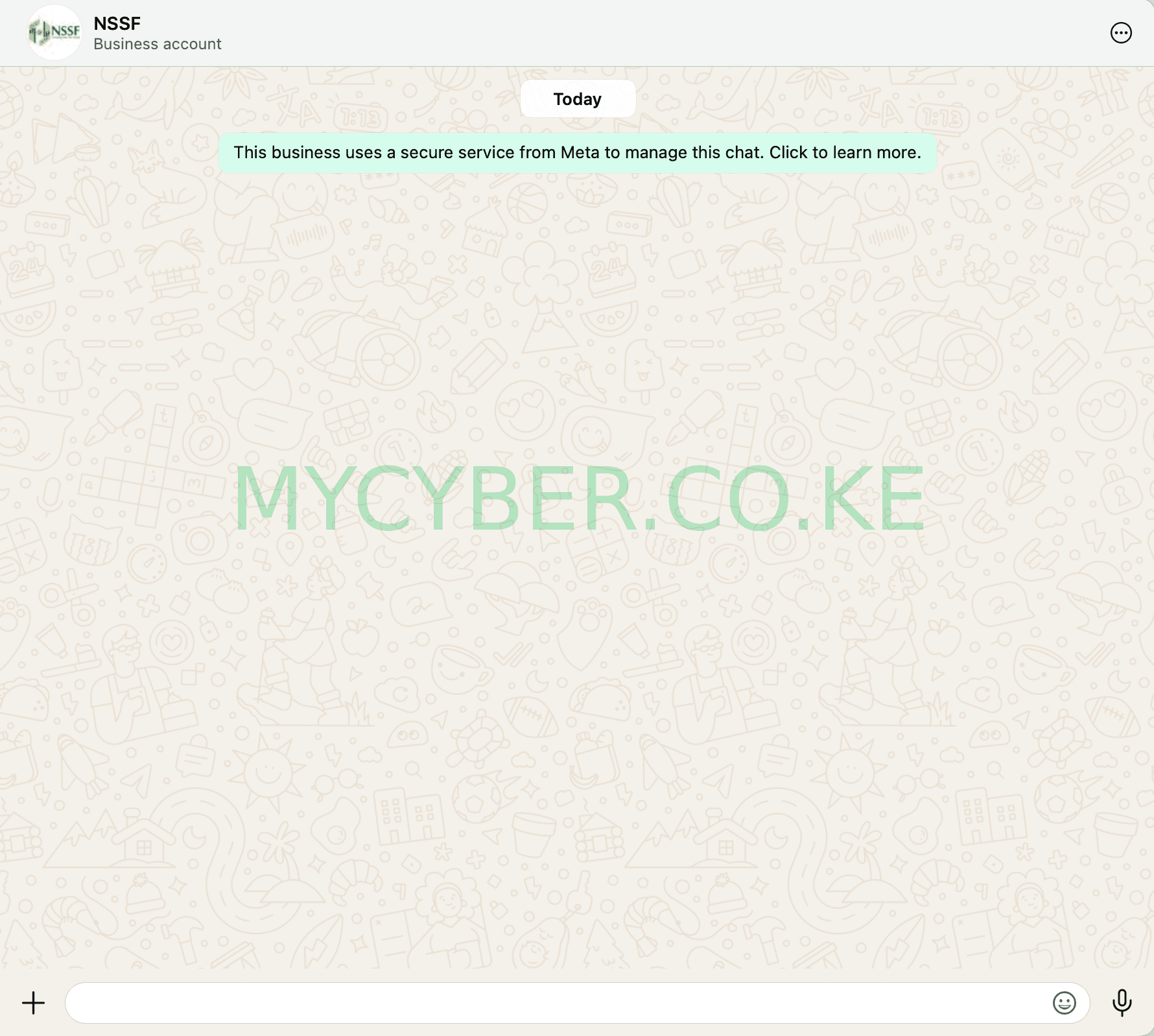
Starting the conversation by messaging the NSSF WhatsApp bot.
- Type “Hi” and send it to the NSSF WhatsApp number
- Wait a few seconds for the automated reply
Read the Welcome Menu
The chatbot replies with a “Welcome to NSSF WhatsApp Service” message. This confirms you’re connected to the official chatbot and ready to pick a service.
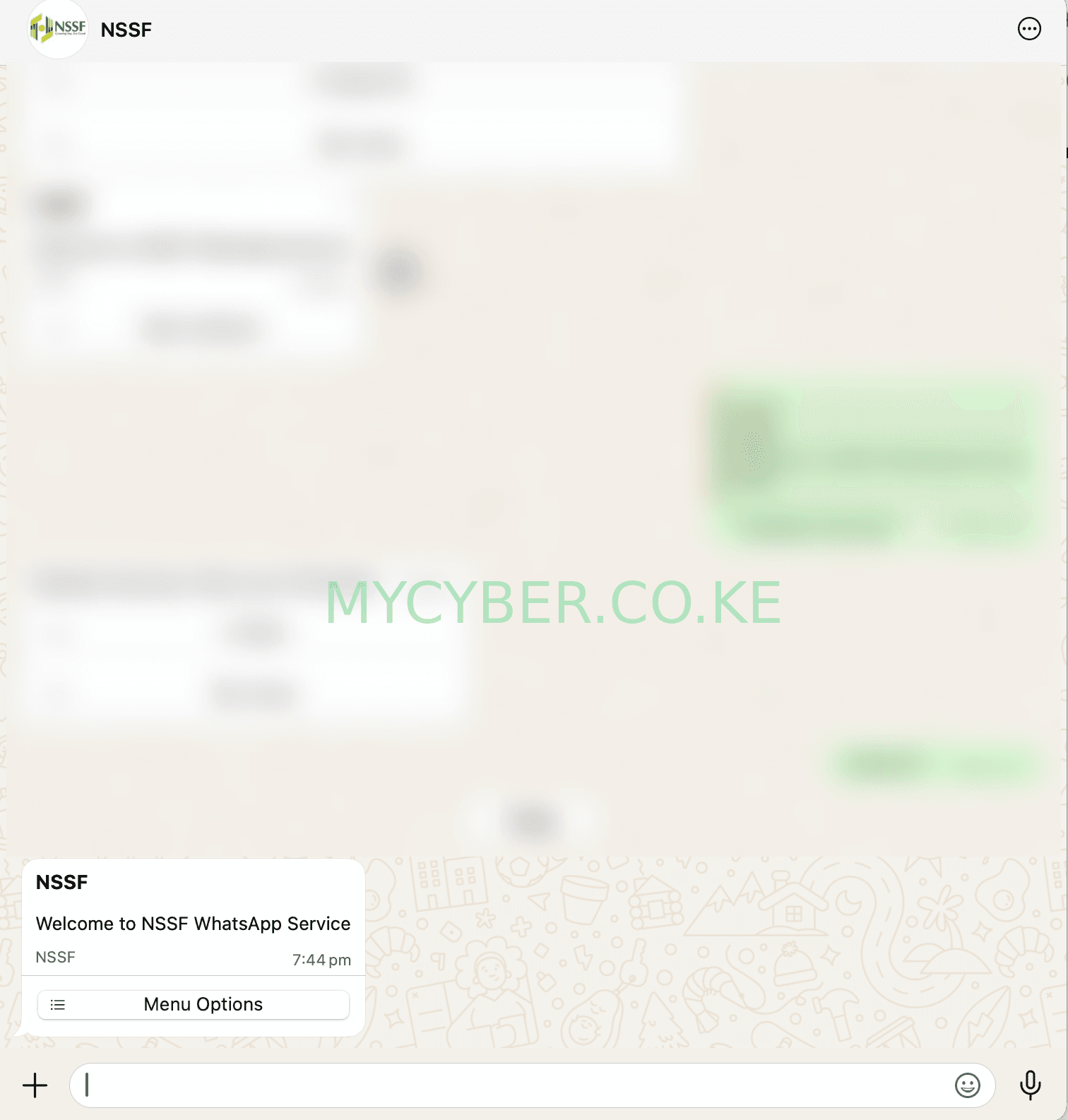
The NSSF WhatsApp bot’s welcome message.
- Confirm you see the “Welcome to NSSF WhatsApp Service” greeting
- Continue to the menu that follows
Select “Check NSSF No”
The chatbot lists six numbered options. To check your NSSF number, you want option 5.
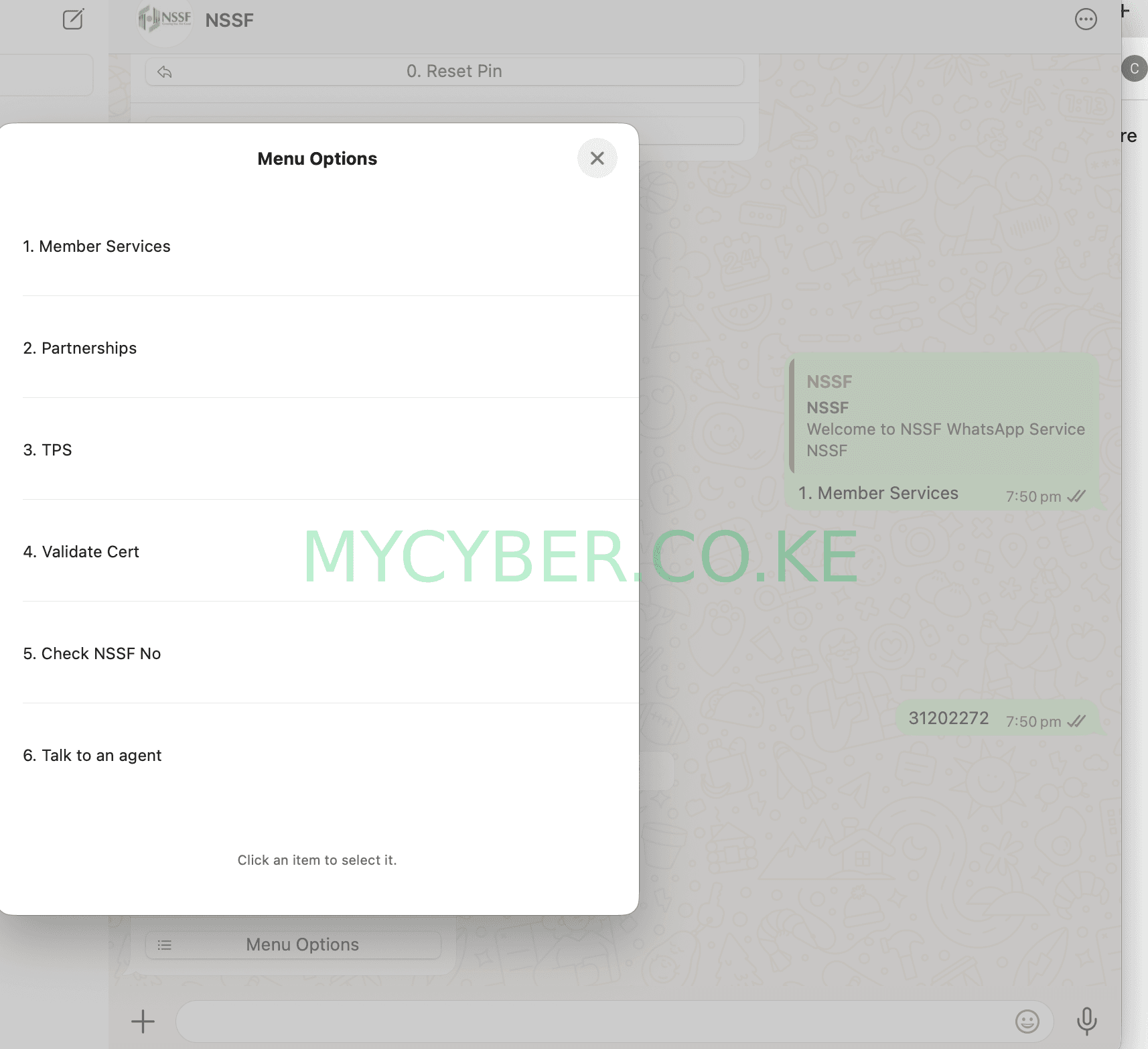
The NSSF WhatsApp menu: Member Services, Partnerships, TPS, Validate Cert, Check NSSF No, Talk to an Agent.
- Reply with 5 for “Check NSSF No”
- Wait for the next prompt from the chatbot
Enter Your ID Number
The bot will ask you to enter your National ID number to verify who you are before it looks up your NSSF number.
- Type your ID number exactly as printed on your National ID card
- Send it and wait for the bot to process it
View Your NSSF Number
Once your ID number is verified, the chatbot replies with your NSSF number and basic account details, right there in the chat.
- Save the message or take a screenshot for your records
- Use the same chat any time you need to check it again
Double-check you saved 0704 303 303 correctly and that your first message was a plain “Hi” rather than a longer message. If there’s still no reply after a few minutes, confirm you have a stable internet connection, or try NSSF’s USSD code *303# as a backup, which offers the same menu of services including the NSSF number check.
Frequently Asked Questions
What is the NSSF WhatsApp number?
The official NSSF WhatsApp service number is 0704 303 303. You save it as a contact, message “Hi” to start, and use the menu options to check your NSSF number, contributions, and other services.
How do I check my NSSF number using my ID on WhatsApp?
Message “Hi” to 0704 303 303, select option 5, Check NSSF No, from the menu, then enter your National ID number when prompted. The chatbot replies with your NSSF number.
Is checking my NSSF number on WhatsApp free?
Yes. The NSSF WhatsApp chatbot is a free official service. Standard WhatsApp data charges from your mobile provider may apply, but NSSF does not charge for the service itself.
What if the NSSF WhatsApp bot doesn’t reply?
Confirm you typed 0704 303 303 correctly and that you sent a plain “Hi” as the first message. If there’s no reply after a few minutes, check your internet connection, or try the USSD code *303# as an alternative.
Can I use the NSSF WhatsApp chatbot for anything besides checking my number?
Yes. The same chatbot menu also offers Member Services, Partnerships, TPS (Tenant Purchase Scheme), Compliance Certificate validation, and the option to talk to a live agent.
Disclaimer: MyCyber is an independent digital assistance service, not affiliated with NSSF or any government body. The WhatsApp number 0704 303 303 is NSSF’s own official channel. Always verify current details on nssf.or.ke directly.
Data protection: By messaging MyCyber on WhatsApp, you agree to our data protection terms and conditions.
